
One approved creative
into every
ad format
Upload the finished PNG or JPG you already approved — no PSD, Figma file, or editable template needed. Oppye rebuilds it for Meta, Google Display, LinkedIn, and Stories.
Free to sign up. Plans from $29/month — cancel anytime.
- 120600
- 580400
- 600900
- 32050
- 12001200
- 160600
- 1200628
- 250360
- 46860
- 200200
- 3001050
- 320100
- 10801350
- 72890
- 250250
- 300600
- 970250
- 9601200
- 980120
- 300250
- 10801920
- 930180
- 720900
- 97090
- 336280
- 240400
- 30050
- 10801080
See how one creative adapts to every size
Oppye re-composes the approved creative for each placement — preserving the message, hierarchy and brand instead of simply cropping or stretching the original.
Pick a size to explore the real outputs.
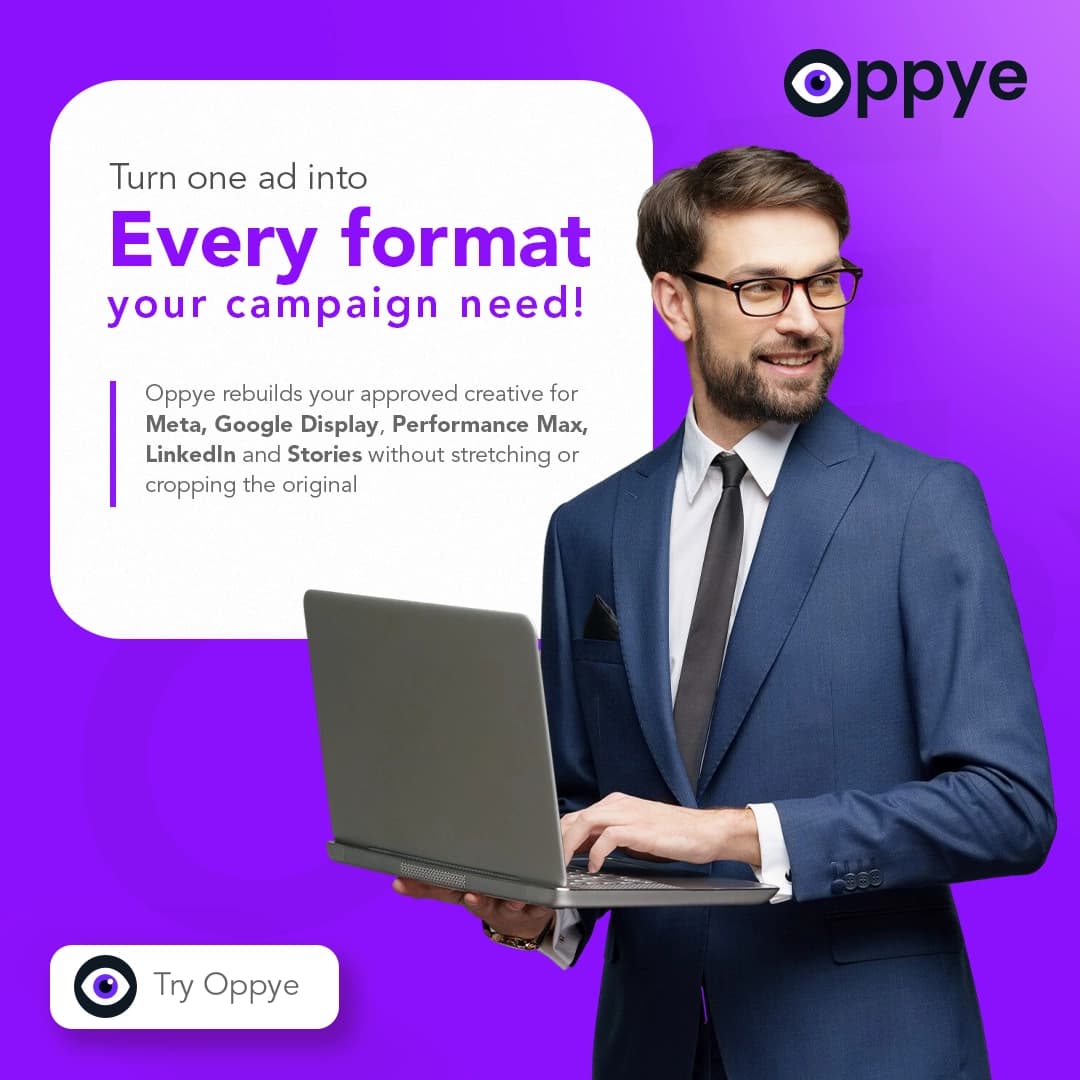

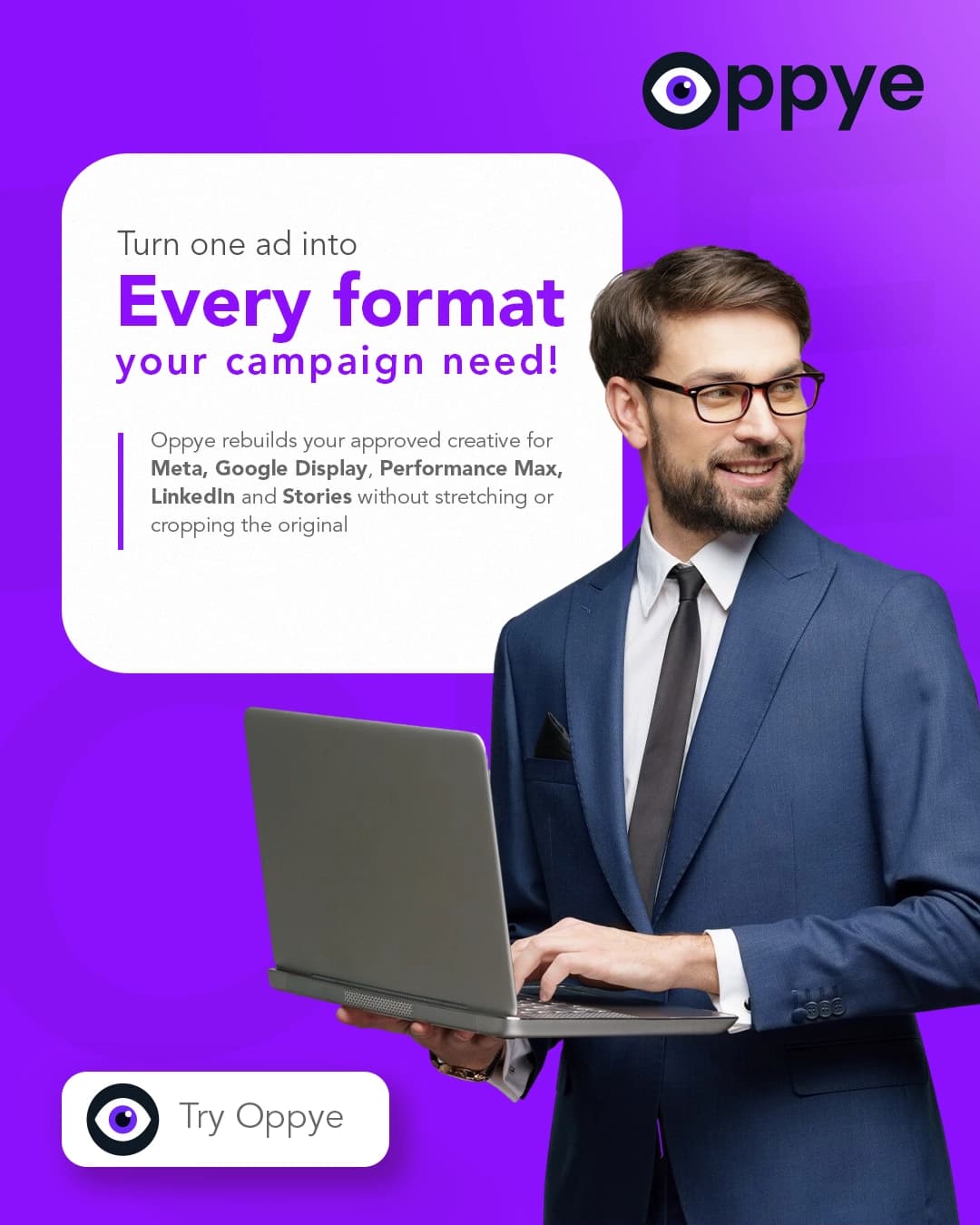
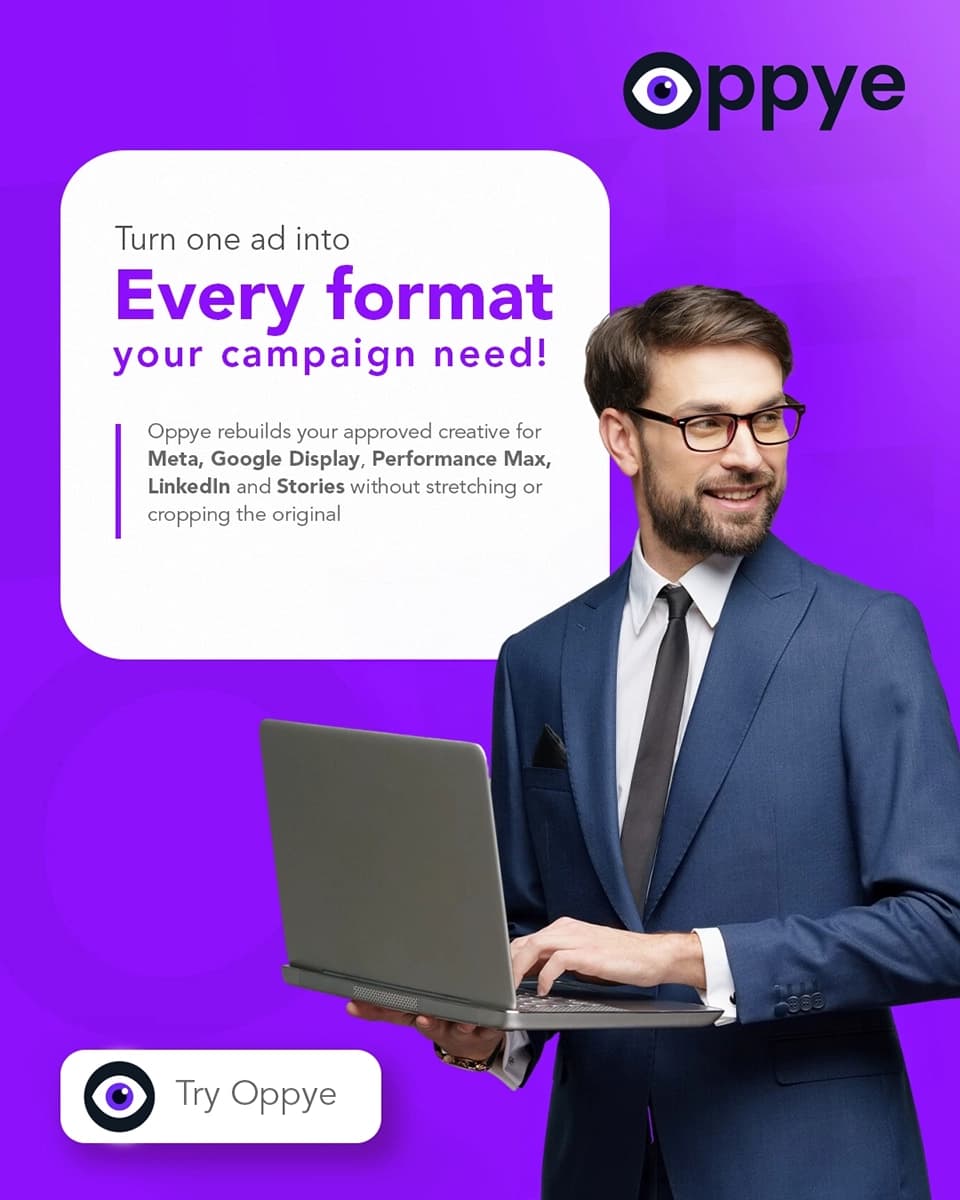
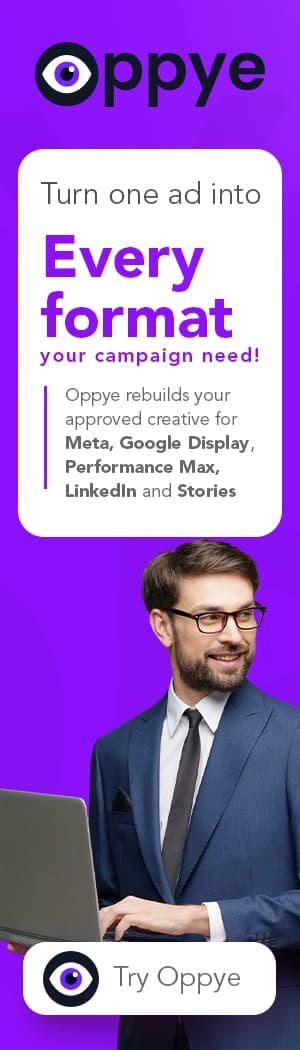
31 standard sizes
Meta · Google Display · LinkedIn · Performance Max
The boring part, done faster.
Your creative is already approved. Oppye handles the repetitive production work that comes next.
1 approved creative.
A finished image. No source file needed.
12campaign formatsSame set. Two ways to get there.
By hand
~60min
New size. Same chores.
With Oppye
~8min
Same idea. Every shape.
Internal Oppye benchmarkEstimated production times; timed validation pending. Same campaign set. Actual time varies by creative complexity and required adjustments.
- Landscape
Move logo. Reflow text.
Rebuild layout. - Story
Move logo. Reflow text.
Rebuild layout. - Skyscraper
Yep. Again.
× 12 formats. You know the drill.
Choose your formatsOppye re-composesYou review
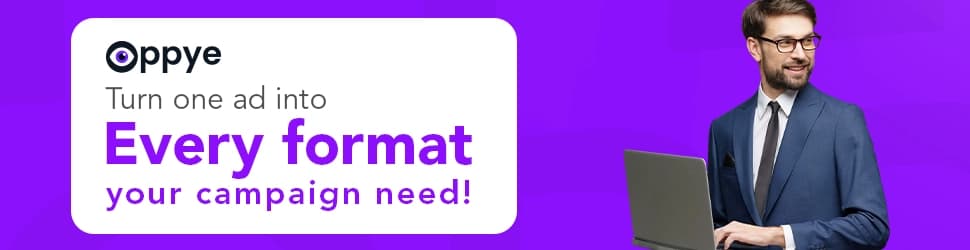
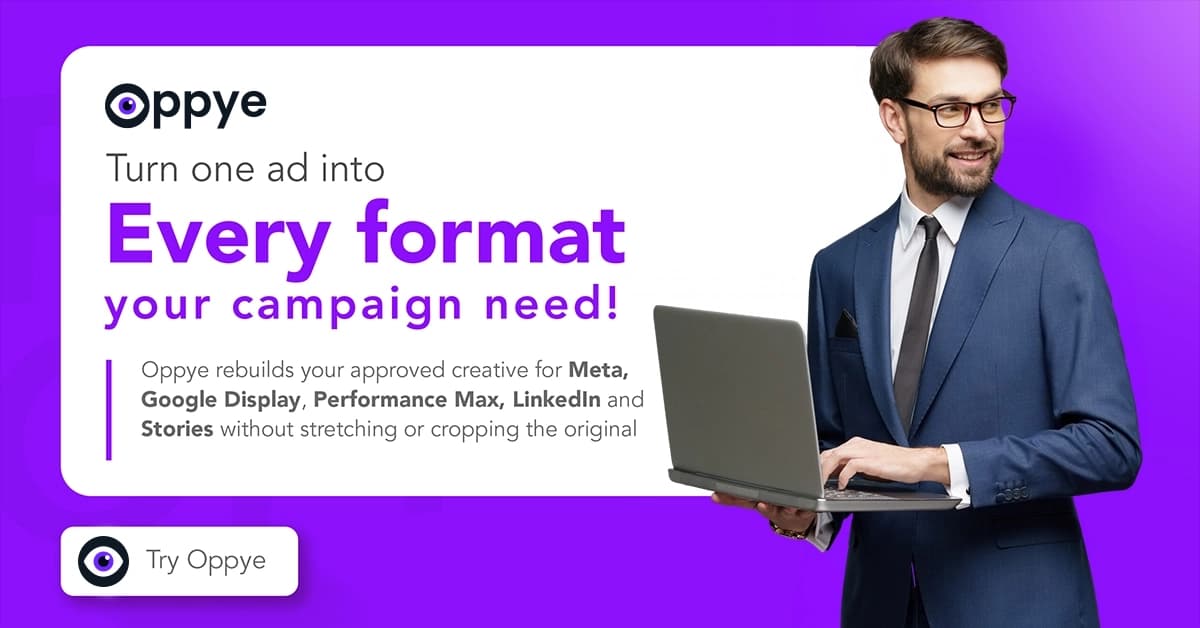
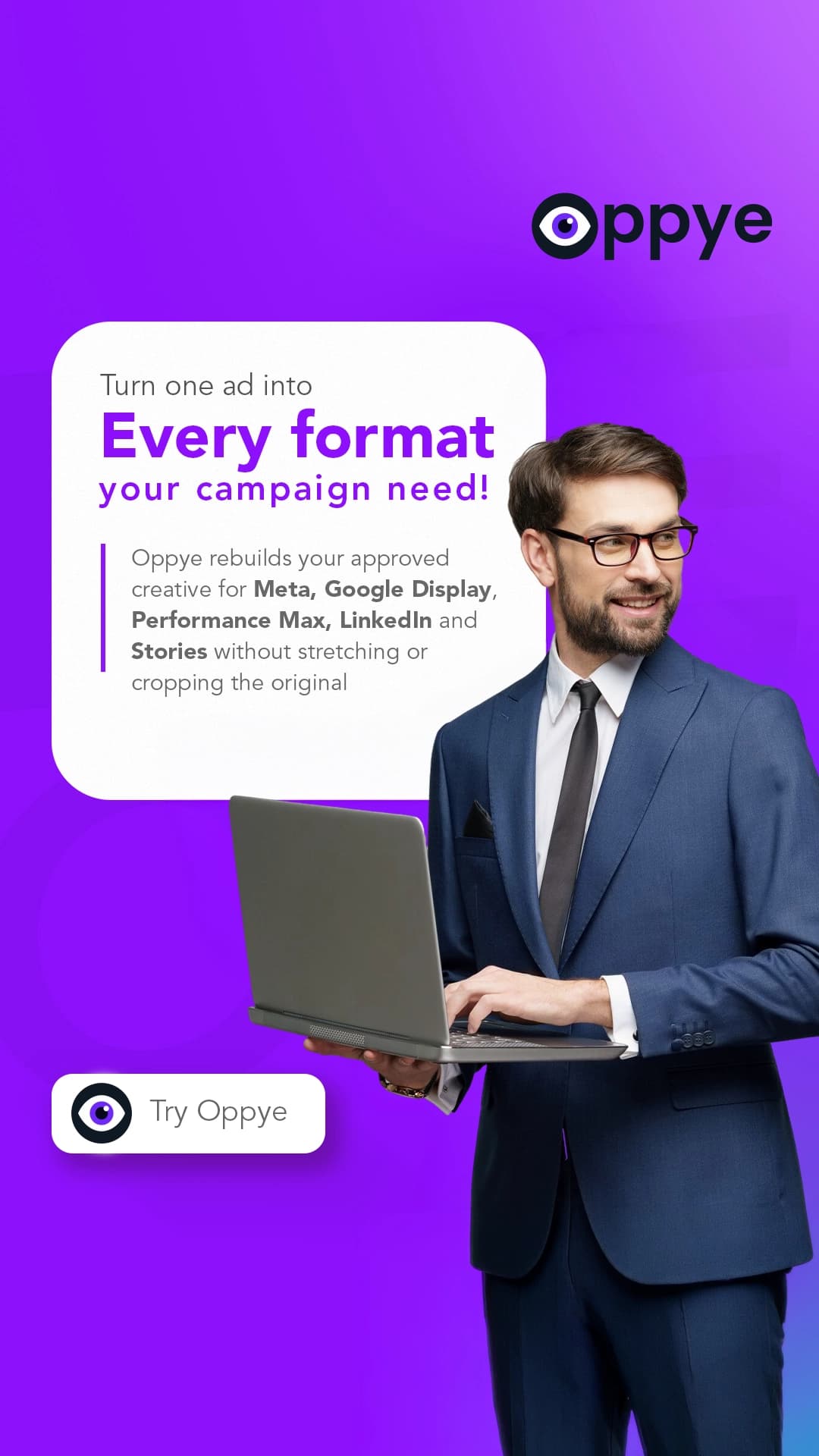
Less time nudging logos.
More time moving things forward.
How it works
From approved creative to campaign-ready files
Start with the creative you approved. Resize it for the campaign, review the set, and export.
Upload the approved creative
Start with a finished PNG, JPG, WebP or AVIF, up to 10 MB.
Choose the sizes
Select the standard platform sizes your campaign needs.
Smart Resize
Oppye analyses your creative and re-composes its layout for each selected shape.
Review on the whiteboard
See the campaign set together and manually review every output.
Edit with AI where needed
Give an instruction to adjust a specific banner without rebuilding the campaign.
Export
Download campaign-ready files, with Google Display exports compressed to the upload limit where applicable.
No approved creative yet? Create one.
Start with an AI-generated concept or hire a graphic designer to create your banner for you. Designer-made banners will be delivered within 24 hours of submission and can then go through the same Oppye resize workflow.
Pricing
Same Oppye. Choose the volume you need.
From occasional campaigns to continuous creative production.
Every plan includes the full Oppye workflow.
Yearly pricing, credits & top-upsFAQ
Straight answers before you start
How does Oppye resize without cropping or stretching?
Instead of forcing your artwork into a new frame, Oppye reads the original design — detecting logos, products, headlines, CTAs, and text hierarchy — and rebuilds the layout to fit each format and its aspect ratio. Extreme shapes like 728×90 leaderboards and 160×600 skyscrapers are rendered natively at their true shape rather than cropped from a square.
How do credits work?
One credit covers one generated banner, one edit, or one resized size. If an export size exactly matches your original artwork, that size is free.
Which ad formats can I export?
Meta feed, vertical, story, and landscape; LinkedIn single-image formats; Performance Max landscape, square, and vertical; and 20 Google Display sizes — including 728×90 leaderboards and 160×600 skyscrapers, which are rendered natively at their true shape instead of being cropped from a square.
What happens to my logo?
On generated banners, Oppye composites your uploaded logo file directly onto the output, pixel-for-pixel. On resizes, the layout is rebuilt from your approved creative and the logo is carried over from your original artwork under strict identity instructions — then every size lands on the whiteboard so you can check it before you export.
Can I edit a resized banner?
Yes — on the whiteboard. Open the banner, choose Edit with AI, and describe the change in one instruction: Oppye rewrites it into exact canvas coordinates, edits that banner in place, and runs an automated review before you export. A failed edit is not shipped and the credit is returned. Generation itself is single-shot — to change a generated image, adjust the prompt and generate again.
What file types can I upload?
Oppye accepts every image format the importer supports: PNG, JPG (JPEG), WebP, and AVIF, up to 10 MB per file. Export your finished creative as a flat image from your design tool and upload it — Oppye reads the design from the pixels, so no layered source file is needed.
Which design tools does Oppye work with?
Any tool that can export an image: Photoshop, Figma, Illustrator, Canva, CorelDRAW, and others. Oppye works from the exported artwork itself, so it fits into whatever design workflow produced your approved creative.
Turn one approved creative into a full campaign set
Upload an approved creative or start from a brief, then export every platform-ready size from one whiteboard.
Free to sign up · Plans from $29/month · Cancel anytime
Account-scoped uploads
Brand assets and references are tied to the account that uploaded them and are never shared across accounts.
Cookie-gated analytics
No analytics cookies are set until you opt in through the cookie banner — and you can change your choice anytime.
Review before publishing
AI-generated outputs are meant to be reviewed and refined before they go into a live campaign.
Guides on ad sizes and creative production
Design Tools
ChatGPT Images 2.5: Flare vs Sunburst, Pricing, and Creative Workflows
September 10, 2026
Ad Creative
Do AI-Generated Ads Need a Label in the EU? What Marketers & Designers Need to Know in 2026
August 24, 2026
Google Ads
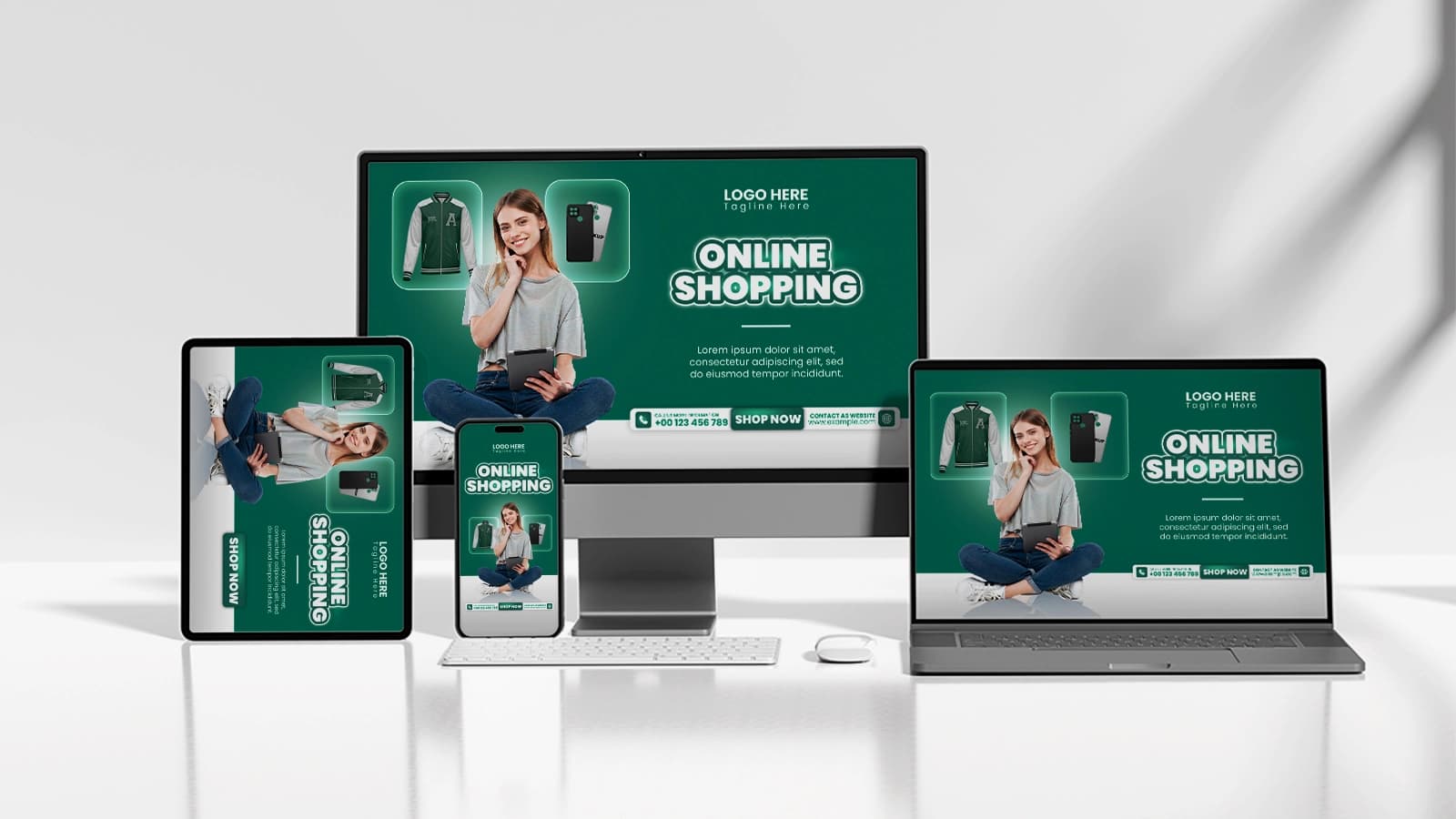
Google Performance Max Banner Sizes: Image Specs, Safe Zones & Creative Checklist (2026)
July 20, 2026